 Music Tree Player
Website language
A lightweight Android app that performs your songs on a game's on-screen instrument — from a small floating controller. Choose your song, match the keys and press Play.
Explore the app in our illustrated feature cards. Tap a card to see the full-size screen and description.
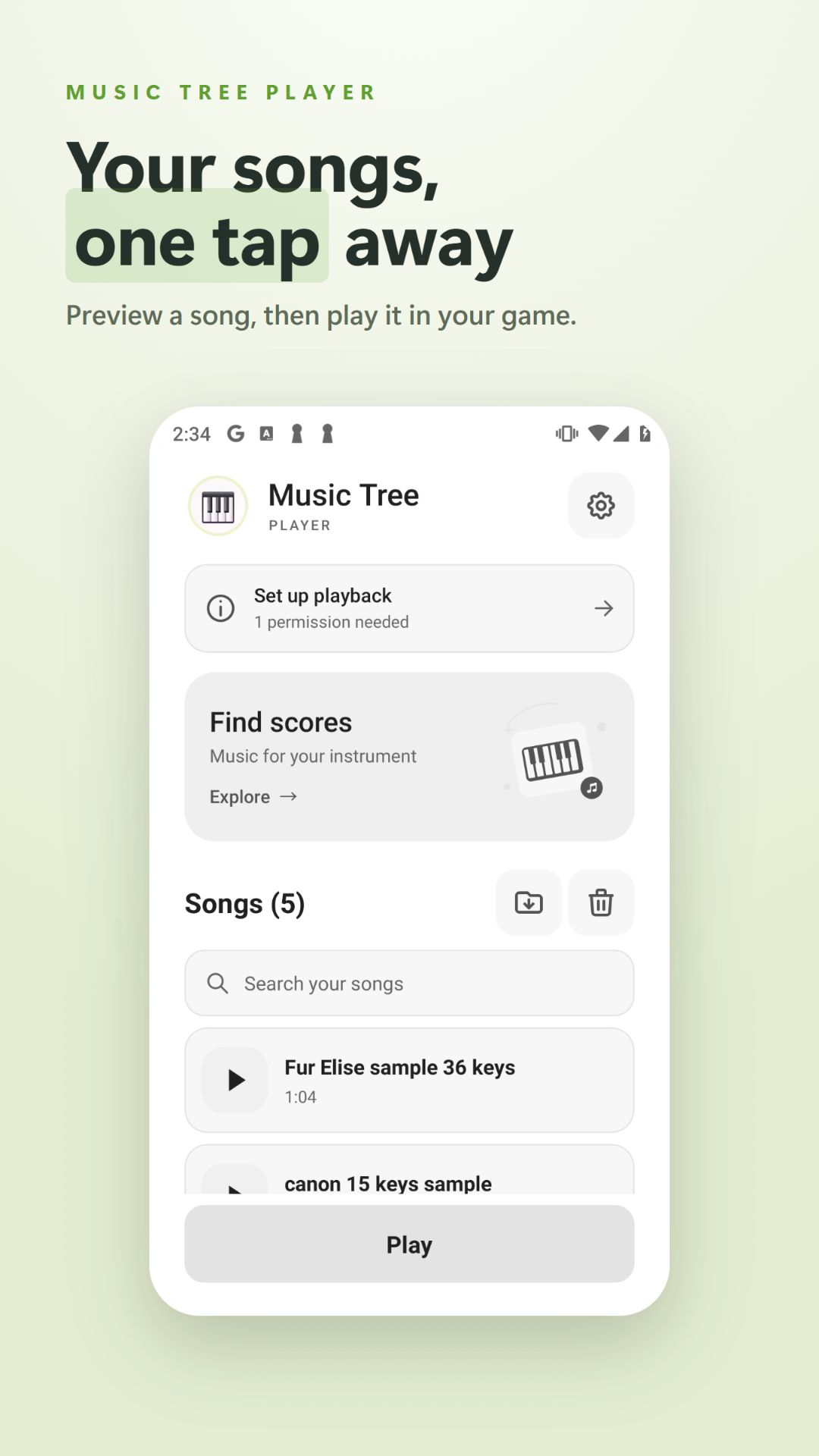
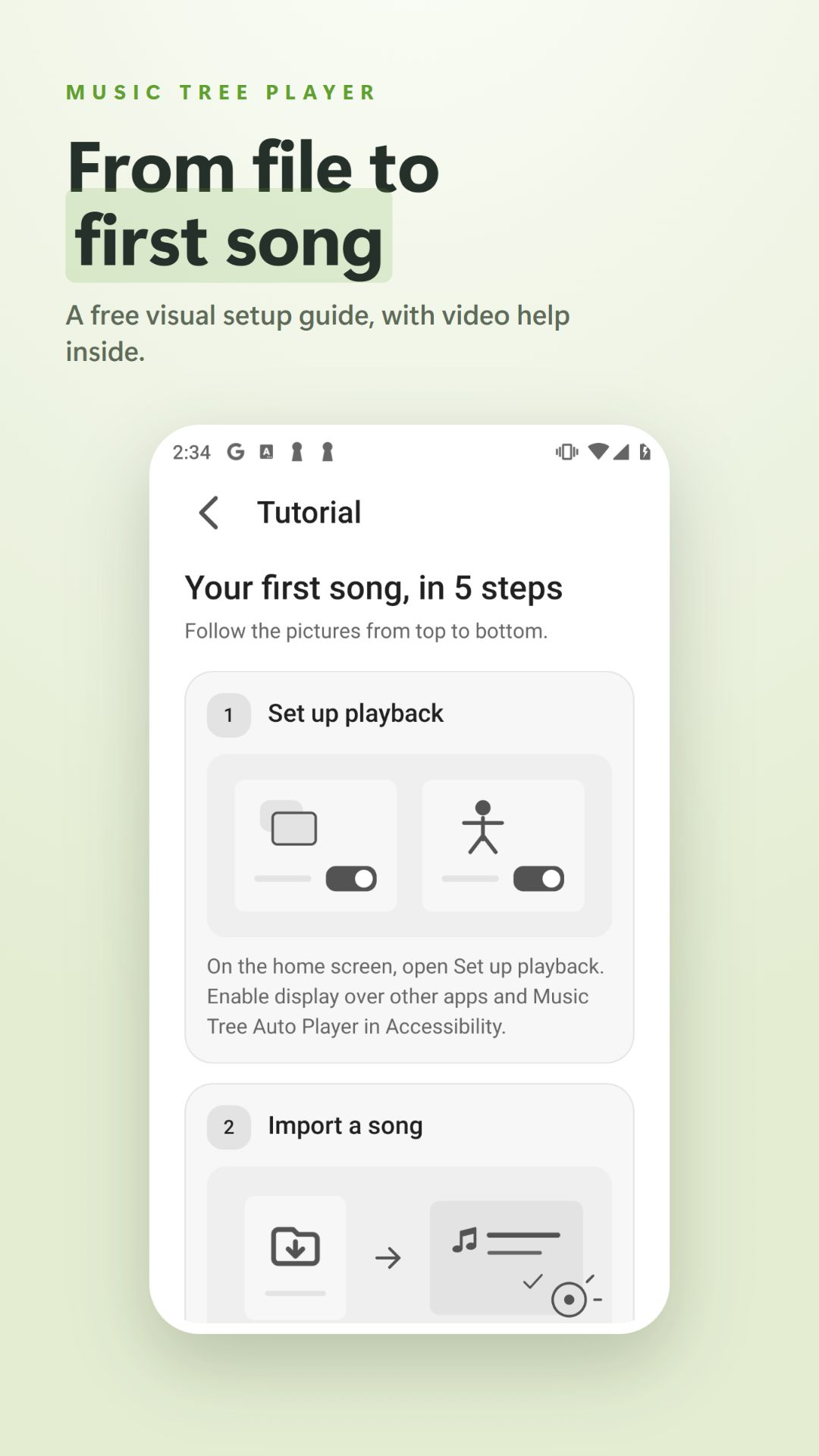
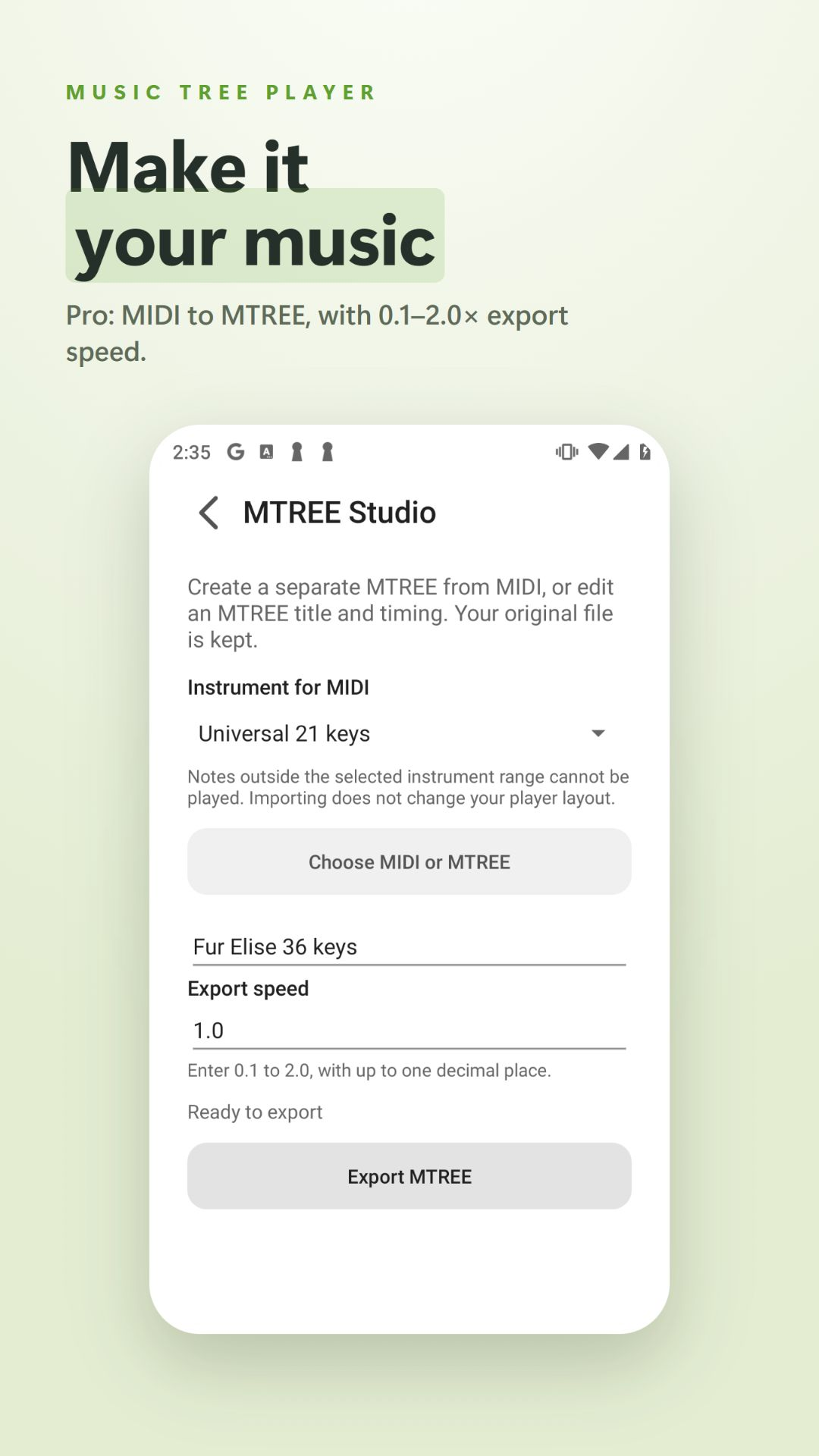
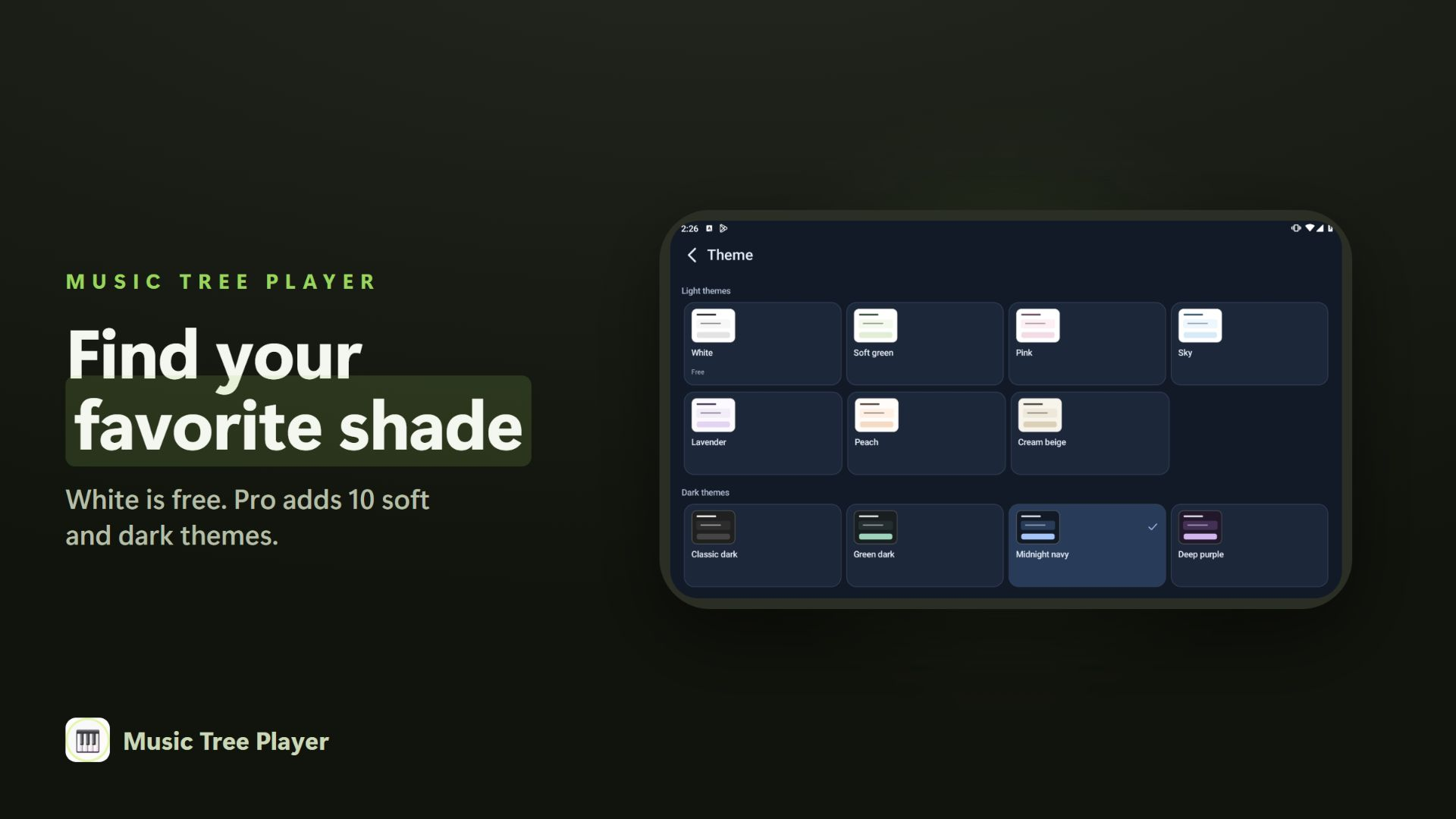
Screenshots and videos show the original app interface. The written guides on this website are available in all 24 languages.
MTPC is a PC format and cannot be played on Android. PC downloads and MTPC export are temporarily unavailable during maintenance. Unsupported notes are always skipped.
Base price: US$3, once. Google Play shows your local price before purchase. On a new device, use the same Google Play and app accounts you used for purchase, then choose Restore purchases. Your private backup belongs to your app Google account. Canon also works on chromatic instruments that cover its notes.
Listen before you download. Browsing and audio previews are free; uploading, downloading and playing community downloads require Pro. Your unique nickname appears beside the songs you share. Choose it once using 2–8 English letters or digits. Uploads are limited to 5 new scores per rolling 24 hours and 1 MiB per file. Only normalized musical notes are published after automatic file checks and your rights confirmation.
Signed-in users can report up to 3 scores per rolling 24 hours or block a creator. Four different verified Pro reports temporarily hide a score for administrator review. Confirmed unsafe or abusive uploads can lead to loss of upload rights. Technical checks are not antivirus certification or a copyright clearance. Read the sharing terms.
Pro adds experimental Ensemble. Enable it below Key Hold in Settings, then use the clock in place of Loop to enter a shared start time in the floating player. Current server time is always shown. Timing may vary by device and game.
Play with Roblox Guitar 78 keys for acoustic or electric guitar, Roblox Bass Guitar 52 keys, and NTE Guitar 36 keys.
Turn songs you already have into live performances on a game's virtual instrument.
Load a MIDI, .mtree or .mcr file and play it on a virtual instrument.
21-key and 36-key chromatic layouts, plus game-specific layouts (incl. Roblox Drum).
Shift the layout left/right and fine-tune touch points per device.
Play, pause, loop, change speed and base key from a small overlay over your game.
One sheet works across many instruments — including percussion (drums).
No ads. Local playback works without an account. Optional online features in 1.5.7 use Google sign-in and verified purchases; see our Privacy Policy.
Two short videos to get you playing.
Using a PC? Watch the PC version tutorial.
What's new in Music Tree Player.
Includes the v1.5.11 improvements. The existing playback engine is unchanged.
Removing an upload does not delete copies already downloaded to a device.
Local playback remains free. See the existing song EXE tutorial below.
Download Music Tree Player for Android.
💾 Sample .mtree files — grab 4 songs on SociaBuzz & Ko-fi and import them in the app:
Want songs to start with? Download the .mtree samples above and import them in the app.
Maximized panels. Left: previous · loop · next · playback speed. Right: base-key adjustment · key-layout settings.
Start with the existing tutorial to learn how to export and play a song as an EXE macro.
The PC player is under maintenance. Downloads are temporarily unavailable.